
Website vs. Web App: What Does Your Business Actually Need?Web Development
Volver al blog
Web Development
Website Redesign: When It's Time to Refresh Your Site (and How to Do It Right)
Does your website look outdated or no longer generate results? Discover the clear signs you need a web redesign and how to approach it without wasting time or money.
M
Written by Miguel Prot
Published by Hamaca Web Solutions
7 min read
There comes a moment in every business's life when the website stops being an asset and becomes a problem.
Maybe you built it 3 or 4 years ago. At the time it did its job. But today, the market has evolved, your offer has changed, your clients are more demanding — and your site got left behind.
A web redesign isn't just changing colors and updating photos. When done right, it's a strategic transformation that can digitally relaunch your business.
In this article we explain when the right time to redesign is, what signs you shouldn't ignore, and how to do it in a way that actually works.
The 6 Signs Your Site Needs a Redesign
1. Your conversion rate is very low or nonexistent
If you receive visitors but nobody fills out the form, calls, writes, or buys — there's a structural problem. The design may be blocking conversion without you noticing.
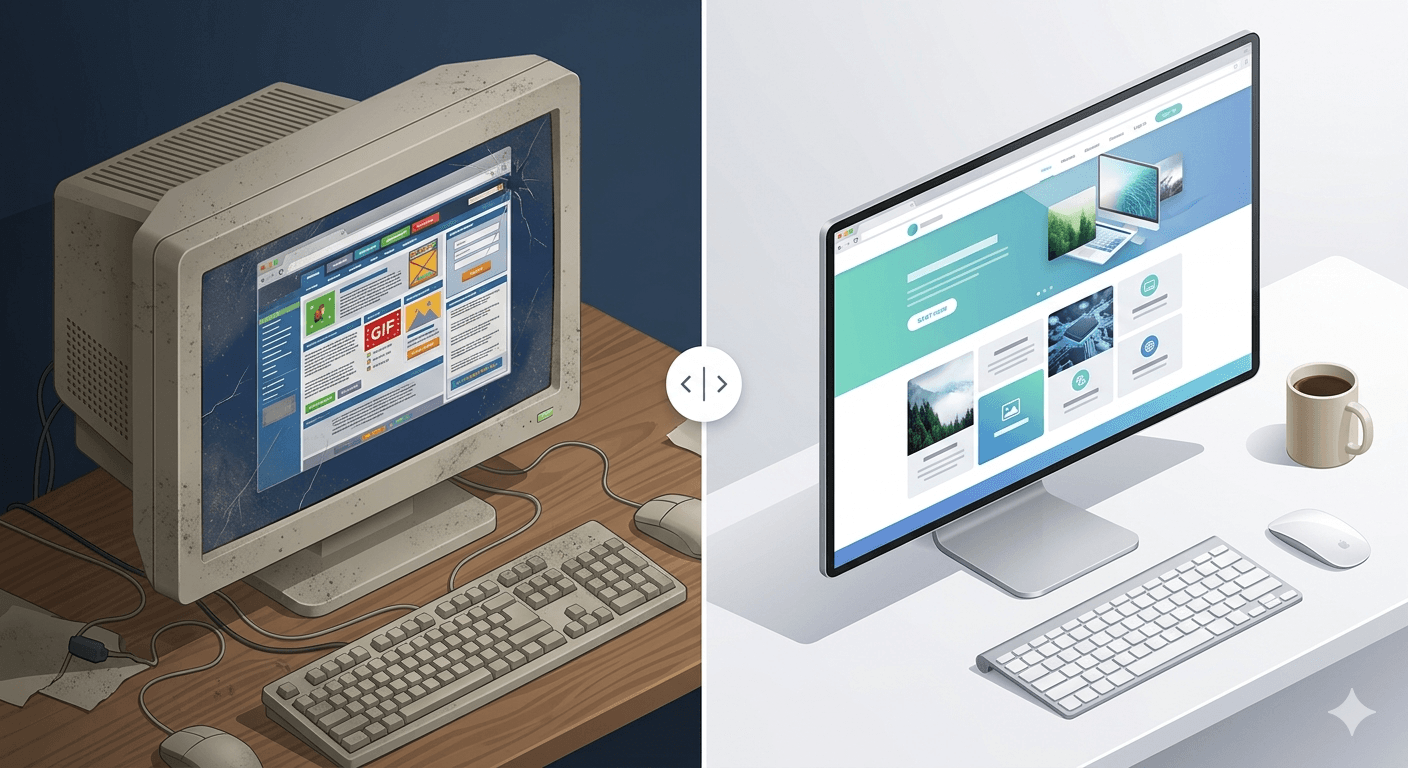
2. Your design looks "5 years old"
Web design ages fast. A site with outdated typography, colors that are no longer trending, and a layout inherited from another era unconsciously signals that your business is also outdated.
3. It's not optimized for mobile
If your site wasn't built with mobile-first in mind, it's probably missing more than 60% of its potential. Mobile experience is no longer optional.
4. It loads slowly
A slow site loses Google rankings and drives users away. If your Core Web Vitals don't pass the minimum threshold, it's a sign that the architecture needs to be revisited.
5. It no longer represents your current brand
Your business grew, changed focus, updated its offer or evolved its branding — but your site is still telling the story from 3 years ago. That disconnect generates confusion and distrust.
6. It's hard to update
If every time you want to change something you have to call the developer and wait days, the CMS or structure is failing you. A good site should be easy to maintain.
Redesign vs. Rebuild: Which Do You Need?
You don't always have to throw everything away. Before deciding, consider:
Partial redesign → When the structure and content are still solid but the visual layer and UX need modernizing.
Complete redesign → When the site has deep technical problems, the architecture doesn't scale, the CMS is obsolete, or the brand identity has changed radically.
Rebuild from scratch → When the current site is a real obstacle to the business and trying to improve it would cost more than starting fresh.
A good diagnosis is what allows you to make this decision with information — not assumptions.
How to Do a Web Redesign That Actually Works
A poorly executed redesign can be worse than doing nothing. These are the steps that make the difference:
1. Start with data, not opinions
Before changing anything, analyze what's actually happening. Where does the traffic come from? Which pages have the most abandonment? Which ones convert? Google Analytics and Hotjar are your friends here.
2. Define clear objectives
Is the redesign meant to increase leads? Improve SEO rankings? Reduce bounce rate? Without measurable objectives, you won't know if it worked.
3. Don't lose your SEO
One of the most common mistakes in a redesign is losing hard-earned rankings. Make sure to maintain important URLs, correctly redirect those that change, and don't remove indexed content without a strategy.
4. Prioritize user experience
The redesign isn't for you to like — it's to work for your customers. Map user journeys and design thinking about their needs, not yours.
5. Launch, measure, adjust
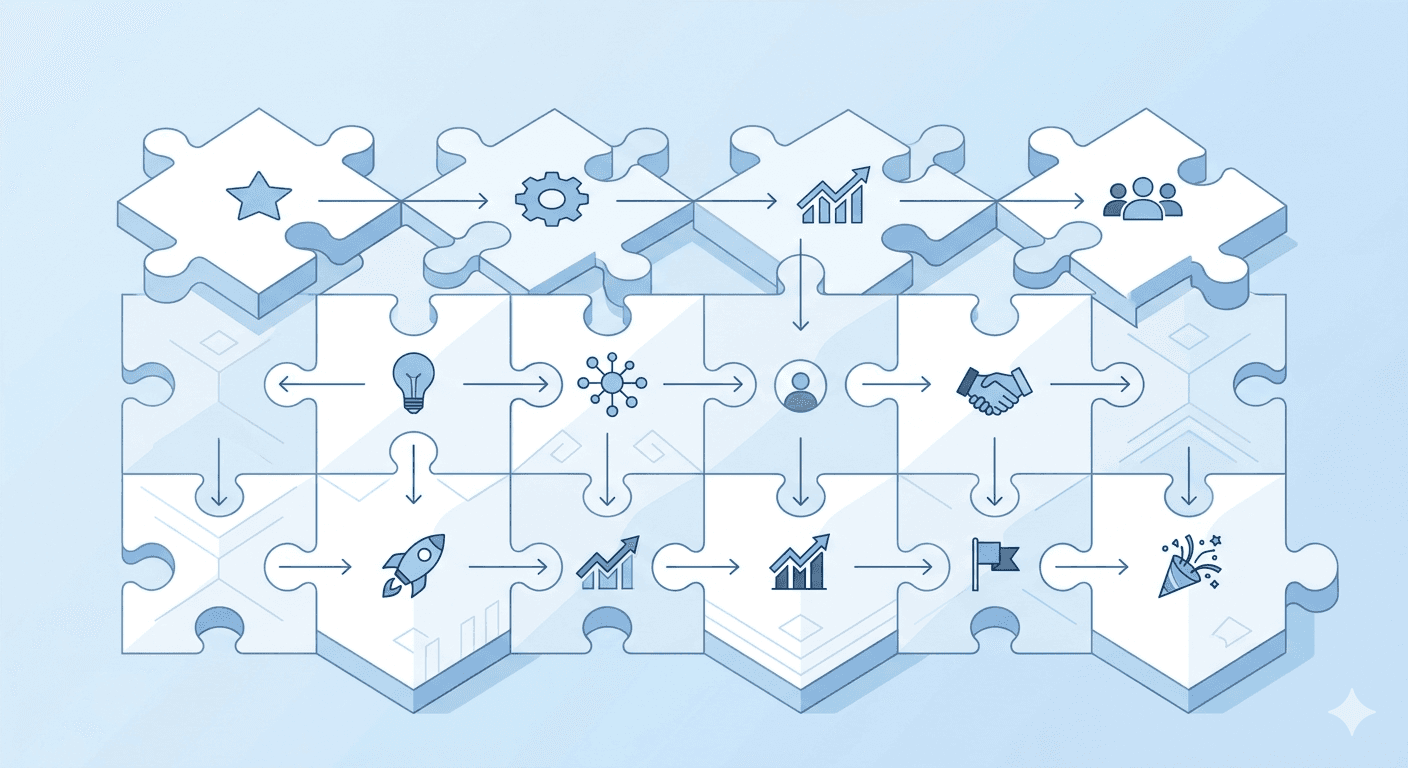
A redesigned site isn't a finished project — it's the beginning of a continuous improvement cycle. Monitor key metrics from day one.
How Long Does a Web Redesign Take?
It depends on scope, but as a general reference:
| Project type | Estimated time |
|---|---|
| Partial visual redesign | 2–4 weeks |
| Complete redesign (5–10 pages) | 4–8 weeks |
| Redesign with new architecture | 8–16 weeks |
Planning is the most important part. A good brief and fluid communication can significantly reduce these timelines.
The Cost of Doing Nothing
It's easy to postpone the redesign. "When we have more time," "when there's more budget," "next year."
But every month your site doesn't convert is a month of lost opportunities. Clients who arrived, weren't convinced, and left for the competition.
The real cost of not redesigning doesn't appear on any invoice. But it's there.
That's exactly what we solved for Farmland Fencing: a static, outdated site the client couldn't touch without a developer, turned into a platform they now manage on their own.
If you think your site might be costing you clients, the first step is a conversation. No commitment, no pressure — just clarity.
Is your situation different, and you actually need a site built from scratch rather than a redesign? The Web Development page can help you tell.
See Web Development Let's analyze your site togetherHave a project in mind?
Tell me what you need and we'll figure out the best approach for your business.
Tell me about your project Free quote · Reply within 24 hoursRecommended
- What I Review First When a Business Asks Me to Improve Its WebsiteDevelopment Experience